



Why Shopify Point of Sale Is Worth Understanding Before You Buy
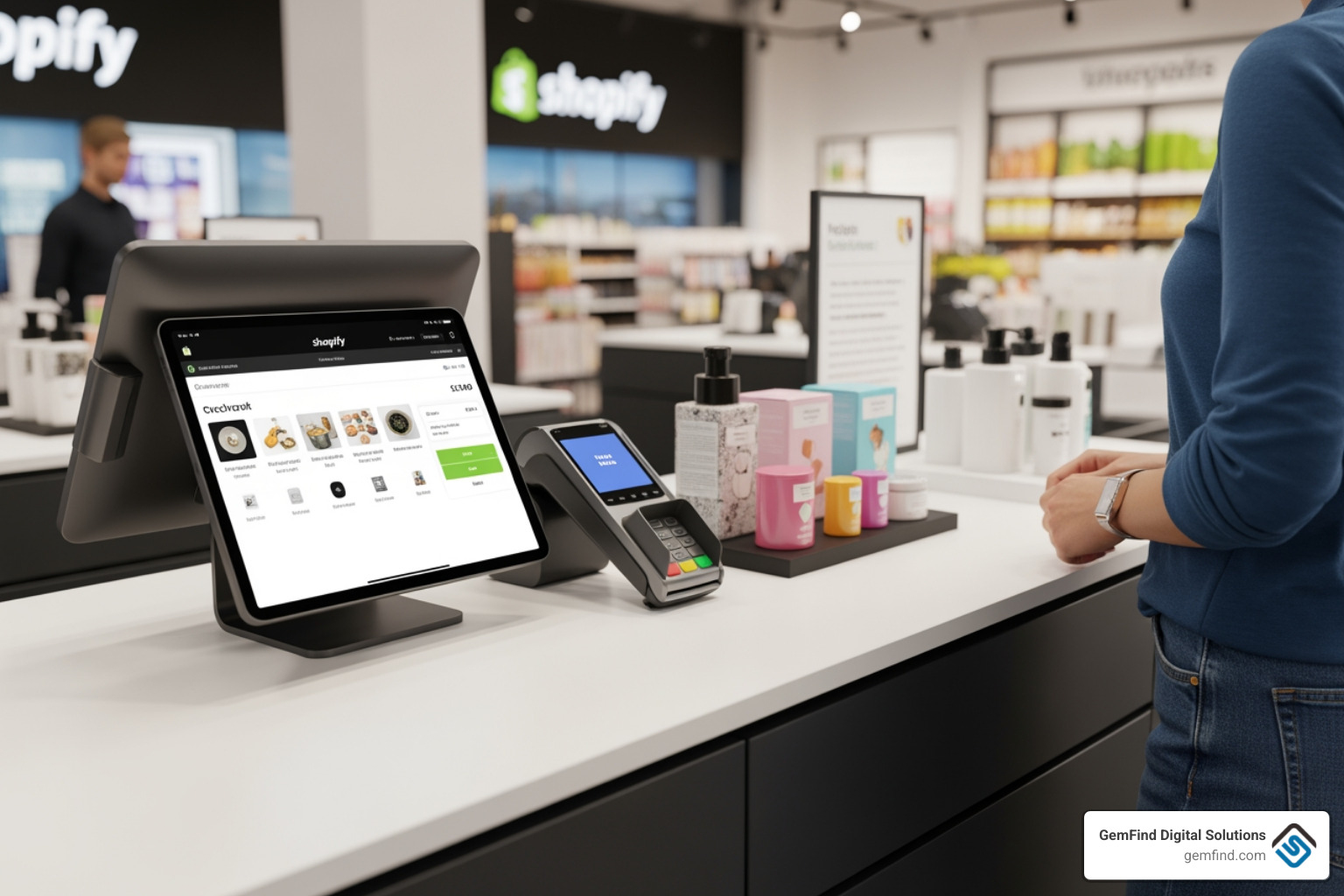
Shopify point of sale (POS) is an all-in-one system that lets you sell products in person — in a store, at a pop-up, or at a market — while keeping everything synced with your online store automatically.
Here's a quick overview of what it is and how it works:
| Feature | What It Means for You |
|---|---|
| Unified inventory | One product catalog synced across online and in-store |
| Omnichannel selling | Sell in-store, online, curbside, or at events |
| Customer profiles | Access order history and lifetime spend at checkout |
| Integrated payments | Accept cards, Apple Pay, Google Pay, and cash |
| Two plan options | Free Lite plan or Pro at $89/month per location |
| Hardware options | Card readers, terminals, scanners, receipt printers |
| App availability | Works on iPhone, iPad, and Android devices |
For jewelry retailers especially, this kind of system matters. Your customers research online, then walk into your store ready to buy. A POS that bridges those two moments — without manual data entry or duplicate systems — is a real competitive advantage.
As Juliana Di Simone of Tokyobike put it:
"It's impossible to think of retail as separate. You have to be able to bring the physical into the digital, and the digital into the physical — this idea of unified retail is the future."
That mindset applies directly to how modern jewelry stores need to operate in May 2026.
I'm Anthony Arechiga, VP of Sales at GemFind Digital Solutions, where I've spent nearly two decades helping jewelry retailers navigate technology decisions — including evaluating Shopify point of sale for clients managing both physical stores and online sales. In this guide, I'll walk you through everything you need to know to decide if it's the right fit for your business.
Key terms for Shopify point of sale:
What Is Point of Sale Software and How Does It Work?
At its simplest, Shopify point of sale is the software that powers your physical checkout. If you’ve ever walked into a boutique and seen an iPad used as a register, you’ve seen a POS system in action. But Shopify goes deeper than just "ringing someone up." It acts as the central nervous system for your entire retail operation.
Whether you are running a permanent jewelry showroom or setting up a temporary booth at a weekend trade show, this software allows you to process payments, track who is buying what, and ensure your inventory count is actually correct.
How point of sale software unifies online and in-person sales
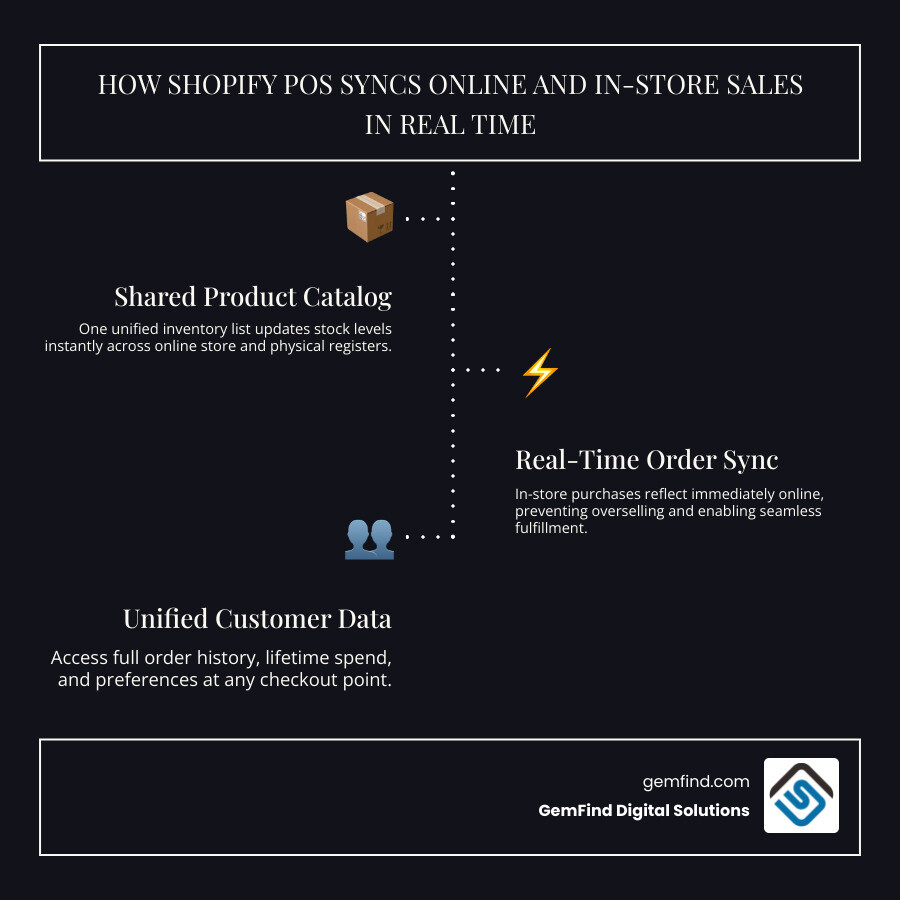
The "magic" of Shopify point of sale lies in unified commerce. In the old days (meaning about five years ago), you might have had one pile of inventory for your website and another for your store. If you sold your last diamond pendant in person, you had to rush to your computer to "hide" it on your website before someone else bought it.
With Shopify, that headache disappears. We see a shared catalog where every sale, whether it happens on your website or on your showroom floor, updates the master inventory list in real-time. This unification extends to:
- Orders: All your sales data lives in one dashboard.
- Customers: If a customer buys a ring online, you’ll see that history when they walk into your store for a cleaning.
- Payouts: Your money from online and in-person sales lands in your bank account through the same system.
Retailers who unify these channels often see significant growth — statistics show that businesses using Shopify to bridge online and in-store sales grow revenue by an average of 30% year over year.
Who modern POS systems are best for
While Shopify is a giant in the e-commerce world, their Shopify point of sale system is built for a wide range of physical sellers:
- Small Retailers: Those just starting out with a single location.
- Growing Brands: Businesses scaling to 1,000+ retail locations with unified data.
- Pop-ups and Markets: Sellers who need a mobile solution that works on a smartphone.
- Jewelry Retailers: Stores that need to balance high-value inventory with personalized customer service.
POS app availability and installation
Getting started is relatively straightforward. The Shopify point of sale app is exclusively available for iOS and Android devices. You can find it on the iOS App Store (where it holds a 4.5-star rating) or Google Play (with over 1 million downloads).
Installation is as simple as downloading the app to your iPad or smartphone and logging in with your Shopify credentials. From there, the app pulls in your existing product list, and you're ready to start configuring your retail settings.
Key Features of Point of Sale for Retail Businesses
Modern retail is about more than just taking a credit card. It’s about the experience. Shopify point of sale includes a suite of features designed to make the checkout flow as smooth as possible for both your staff and your customers.
Inventory, customer profiles, and omnichannel selling
Inventory management is often the biggest pain point for jewelers. Shopify handles this by allowing for stock counts, purchase orders, and stock transfers between locations.
On the customer side, every transaction builds a profile. You can see a customer's lifetime spend, view past order history, and even leave notes like "prefers rose gold" or "anniversary is in October." This data allows for highly personalized marketing. If you use loyalty apps from the Shopify ecosystem, those rewards can be earned and redeemed both online and in-person seamlessly.

Staff tools, reporting, and multi-location controls
As you grow, you need to know who is selling what. Shopify point of sale allows you to:
- Assign Staff PINs: Secure access so only authorized employees can process refunds or view reports.
- Track Commissions: See which sales associate closed that big engagement ring sale.
- Monitor Registers: Perform midday cash counts and track register shifts.
- Review Analytics: Get real-time insights into which products are your "hero" items and which are just taking up space in the case.
Recent point of sale updates worth knowing
Shopify is famously fast-moving. Since 2021, they have released over 200 product updates and enhancements every year for their POS system. Some of the most helpful recent updates include:
- Redesigned Returns: A much smoother flow for handling exchanges and returns directly through the cart.
- Discount Code Scanning: Use your device's camera to scan a customer's coupon or promo code.
- Improved Search: Faster ways to find specific variants or serialized items in a large catalog.
- 99.9% Uptime: A commitment to platform stability so you don't go "dark" during a busy Saturday or holiday rush.
POS Hardware, Payments, and Setup
The software is the brain, but the hardware is the hands of your system. Depending on your store's vibe, you might want a sleek countertop setup or a completely mobile "roaming" checkout.
Compatible devices and hardware options
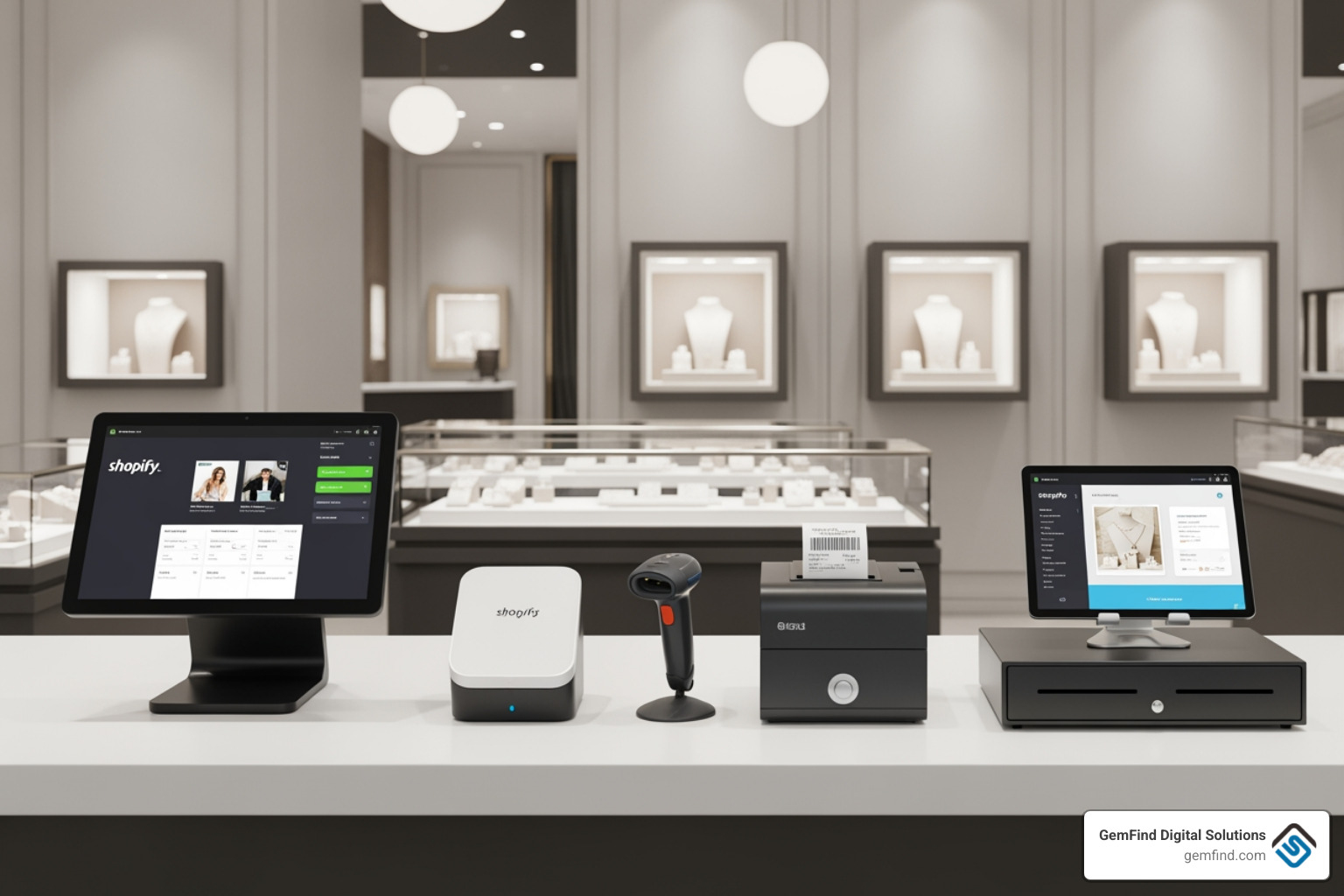
Shopify offers a range of All-In-One Point Of Sale Systems and individual components. You can mix and match to build your perfect kit:
- POS Terminal: A customizable $349 touchscreen display that offers a branded experience for the customer.
- POS Hub: A $69 connectivity powerhouse that wires your devices (printers, scanners) to your tablet for a more reliable, "hard-wired" connection.
- Mobile Options: For pop-ups, you can use "Tap to Pay on iPhone," which requires no extra hardware at all — just your phone.
- Peripherals: This includes barcode scanners (essential for jewelry tags), cash drawers, and receipt printers.
All Shopify-branded hardware comes with a 1-year warranty and 24/7 support.
Payment options, rates, and security
Security is paramount when dealing with high-ticket items like jewelry. Shopify point of sale supports:
- Major Cards: Visa, Mastercard, AMEX, and Discover.
- Digital Wallets: Apple Pay, Google Pay, and Shop Pay.
- Contactless: Tap, chip, and swipe.
If you use Shopify Payments, you get integrated rates (starting as low as 2.4% + 0¢ USD depending on your plan) with no hidden fees. The system uses end-to-end encryption to ensure that every transaction is secure and compliant with industry standards.
How to set up point of sale step by step
Setting up doesn't require an IT degree. Here is the general flow:
- Login: Access your Shopify admin and add the "Point of Sale" sales channel.
- Install: Download the app to your iPad or mobile device.
- Pair Hardware: Connect your card reader and printers via Bluetooth or the POS Hub.
- Configure Taxes: Ensure the app is pulling the correct sales tax based on your physical store location.
- Set Staff PINs: Create unique codes for your team.
- Sync Products: Select which products from your online store should also be available for in-person sale.
- Test Sale: Always run a $1 test transaction to make sure the money flows and the receipt prints!
For more detailed technical steps, the Shopify Help Center is an excellent resource.
POS Pricing, Pros, and Common Complaints
One of the most common questions we get at GemFind is: "What is this actually going to cost me every month?" Shopify splits its POS offering into two tiers.
Basic vs. Advanced POS plans
Every paid Shopify plan includes Shopify POS Lite at no extra cost. This is perfect for "casual" selling — think pop-ups, markets, or the occasional trunk show.
However, if you run a permanent brick-and-mortar store, you will likely want Shopify POS Pro. This costs $89/month per location. Here is how they stack up:
| Feature | POS Lite | POS Pro |
|---|---|---|
| Cost | Included in Shopify Plan | +$89/mo per location |
| Staff Accounts | Limited | Unlimited |
| Inventory Tools | Basic | Advanced (Purchase orders, transfers) |
| Fulfillment | Standard | Buy online, pick up in-store (BOPIS) |
| Reporting | Basic | In-store analytics & professional reports |
| Staff Permissions | Limited | Custom roles and permissions |
Main pros based on user feedback
Users generally rave about the ease of use. If you can use an iPhone, you can use Shopify POS. Other pros include:
- Seamless Sync: No more manual inventory updates.
- Mobile Selling: The ability to walk around the showroom and check a customer out right next to the display case.
- App Ecosystem: Access to over 8,000 apps to add custom functionality.
Common complaints and performance concerns
No system is perfect. Some users have reported "billing surprises," often because they didn't realize certain features (like advanced staff permissions) were locked behind the Pro paywall.
On the technical side, some Android users have noted that the app can be less stable than the iOS version, with occasional card reader or printer disconnections. During extremely busy holiday periods, some merchants have reported "cart glitches" where the item count might lag. However, Shopify's 99.9% uptime and frequent updates generally keep these issues to a minimum.
Is Point of Sale Right for Jewelry Stores and Specialty Retail?
Jewelry retail isn't like selling t-shirts. You are dealing with high-value, often serialized items, and a customer journey that might take months.
Where POS fits well in jewelry retail
Shopify point of sale excels at managing the "omnichannel" journey. A customer might see a ring on your Instagram, browse it on your website at 11 PM, and then walk into your store the next day to try it on. Because the system is unified, your staff can see that the customer was looking at that specific ring and provide a personalized experience.
The ability to handle "Ship-to-Customer" is also a win. If you don't have a specific size in stock at your boutique but have it at another location or in your web warehouse, you can take the payment in person and have the item shipped directly to the customer's home.
Where specialty retailers may need added workflows
While Shopify is robust, jewelry stores often have niche needs:
- Serialized Tracking: Tracking a specific diamond's GIA certificate number.
- Repairs and Custom Work: Managing the intake of a customer's heirloom for a new setting.
- Appraisals: Generating a formal document for insurance purposes at the time of sale.
For these workflows, the standard POS might need a little help. This is where GemFind Digital Solutions steps in. We specialize in connecting Shopify to industry-specific tools like Edge POS or building custom workflows that handle these "jewelry-only" requirements.
Integration flexibility for industry workflows
Because Shopify has a massive App Store, you can add functionality for almost anything. Whether it’s an accounting sync for QuickBooks or a specialized jewelry repair tracking app, the system is designed to be "plug-and-play."
Frequently Asked Questions About Point of Sale
Can POS be used for pop-ups, markets, and multi-location stores?
Absolutely. In fact, this is one of Shopify's strongest selling points. You can manage 1,000+ locations from one dashboard. For a pop-up, you simply log in on your iPhone, use "Tap to Pay," and all those sales are tracked separately from your main store but still pull from your master inventory.
What support options are available and how effective are they?
Shopify offers 24/7 support via live chat, email, and phone. For POS Pro users, there is often access to dedicated retail specialists. While the documentation in the Shopify Help Center is extensive, having a partner like us can help you navigate more complex setup issues or custom integrations.
Does POS integrate with ecommerce and third-party apps?
Yes. It is natively integrated with the Shopify e-commerce platform. Beyond that, the ecosystem includes over 8,000 third-party apps for everything from marketing and loyalty programs to advanced inventory forecasting.
Conclusion
Choosing a Shopify point of sale system is a major step toward future-proofing your retail business. By May 2026, the line between "online" and "offline" has almost completely blurred. Customers expect a seamless experience, and your staff needs tools that don't get in the way of making a sale.
If you’re a jewelry retailer looking to unify your sales, manage your inventory with precision, and provide a world-class customer experience, Shopify POS is a top-tier contender.
At GemFind Digital Solutions, we’ve spent 25 years helping jewelers master their digital and physical presence. Whether you need help with a custom Shopify build, integrating your POS with industry-specific tools, or just want to make sure your digital marketing is driving people into your store, we're here to help.
Ready to take your store to the next level? Learn more about our Shopify services and apps or reach out to us today to chat about your specific retail needs.


