


Understanding Shopify POS for Jewelry Retailers
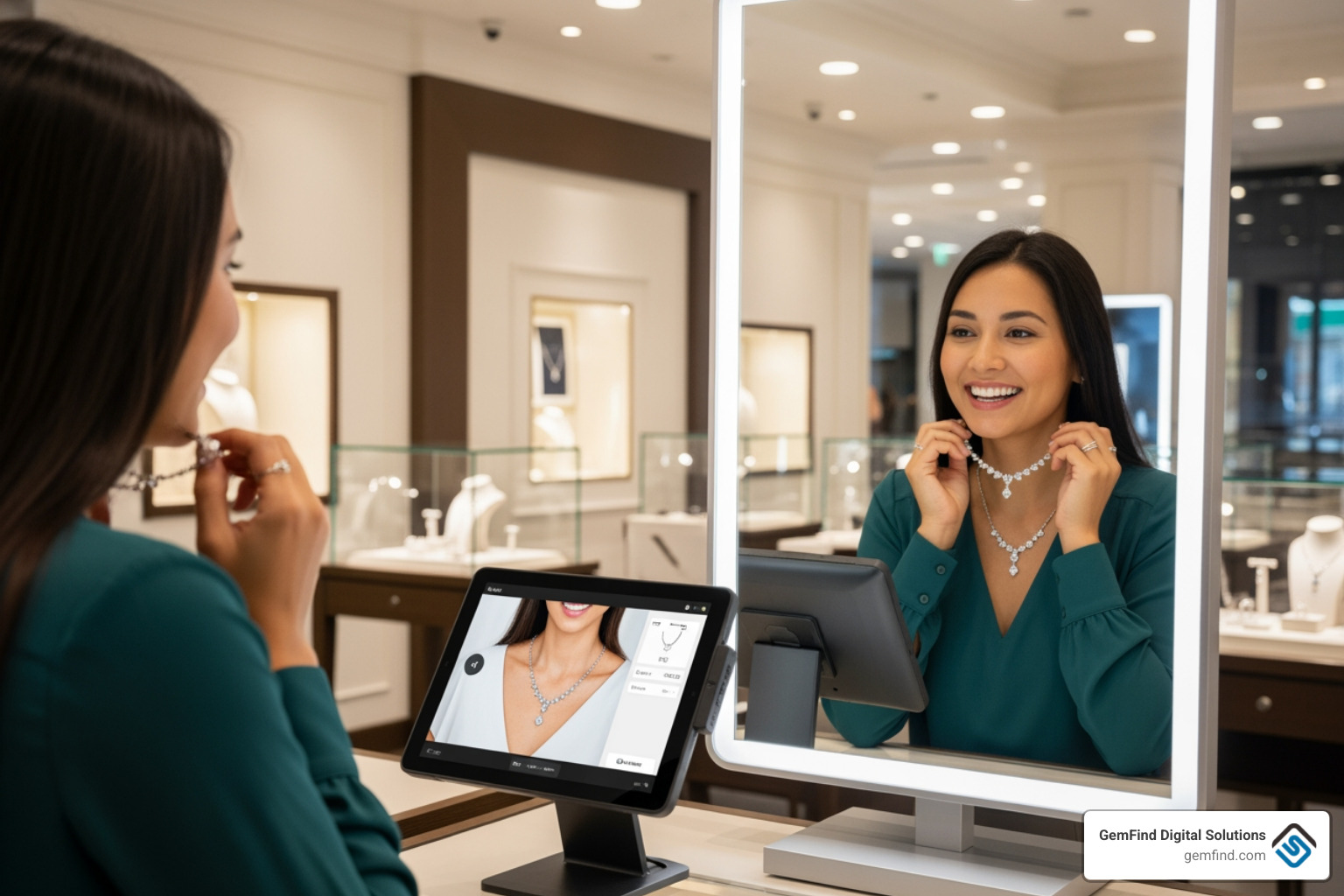
When we talk about a shopify pos jewelry tryon strategy, the foundation is always the Point of Sale (POS) system. Shopify POS isn't just a card reader; it is a comprehensive management hub designed to unify your physical showroom with your digital storefront. For jewelry merchants, this unification is critical because our inventory is often high-value and unique.
One of the most significant hurdles for jewelers is keeping track of pieces across multiple locations. Whether you have two boutiques or fifty, Shopify POS simplifies Jewelry Store POS management by providing a single source of truth for your stock. If a diamond pendant sells in-store, your online inventory updates in real-time, preventing the heartbreak of an online customer ordering an item that is no longer in the case.
Furthermore, we’ve seen that How Shopify Can Advance Your Jewelry Store's Online Presence often starts with this backend efficiency. With the ability to manage over 1,000 locations and handle high-volume revenue—some merchants manage upwards of $14M through the platform—Shopify provides the scalability jewelers need. To get started, you simply need to Log in to set up Shopify POS and add the POS channel to your existing admin. This creates a "unified commerce" environment where customer data, order history, and loyalty points follow the shopper from their laptop to your physical counter.
How to Implement a Shopify POS Jewelry Tryon Strategy
To truly master shopify pos jewelry tryon, we must look beyond the screen. An omnichannel strategy means providing a "try-on" experience wherever the customer happens to be.
In a physical store, you can set up "Virtual Mirror" kiosks. By using a tablet running Shopify POS alongside an AR app, customers can virtually "wear" pieces that might be out of stock at that specific location or kept in a secure vault. This is particularly useful for engagement ring shopping, where you might have the setting but not the specific stone size the customer desires.
Key steps for this implementation include:
- QR Code Integration: Place QR codes next to physical displays. When scanned, the code takes the customer to the product page on their own mobile device, immediately launching the AR try-on.
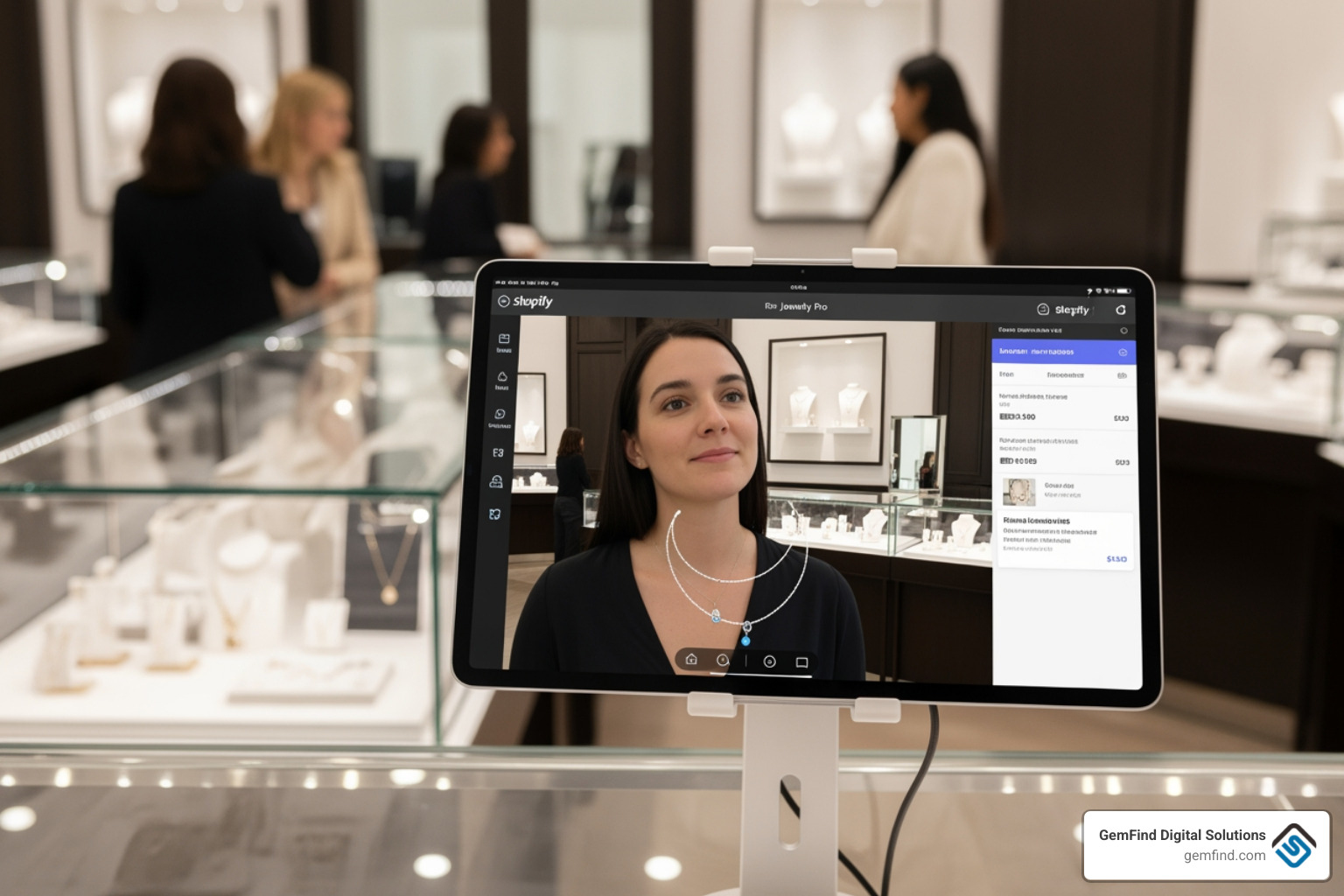
- In-Store Tablets: Equip your sales staff with iPads. While discussing a piece, the staff can flip the tablet around to show the customer a real-time AR preview.
- Customer Data Capture: Use the try-on interaction to capture email addresses. If a customer tries on a necklace virtually but doesn't buy it today, you can send a personalized follow-up with the photo they took during the session.
Before diving in, it is vital to Learn about app compatibility to ensure your chosen AR tool works seamlessly with your theme and POS version. For a deeper dive into these logistics, our Shopify for Jewelry Stores Complete Guide covers the full spectrum of digital transformation.
Integrating Virtual Try-On with Shopify POS Jewelry Tryon
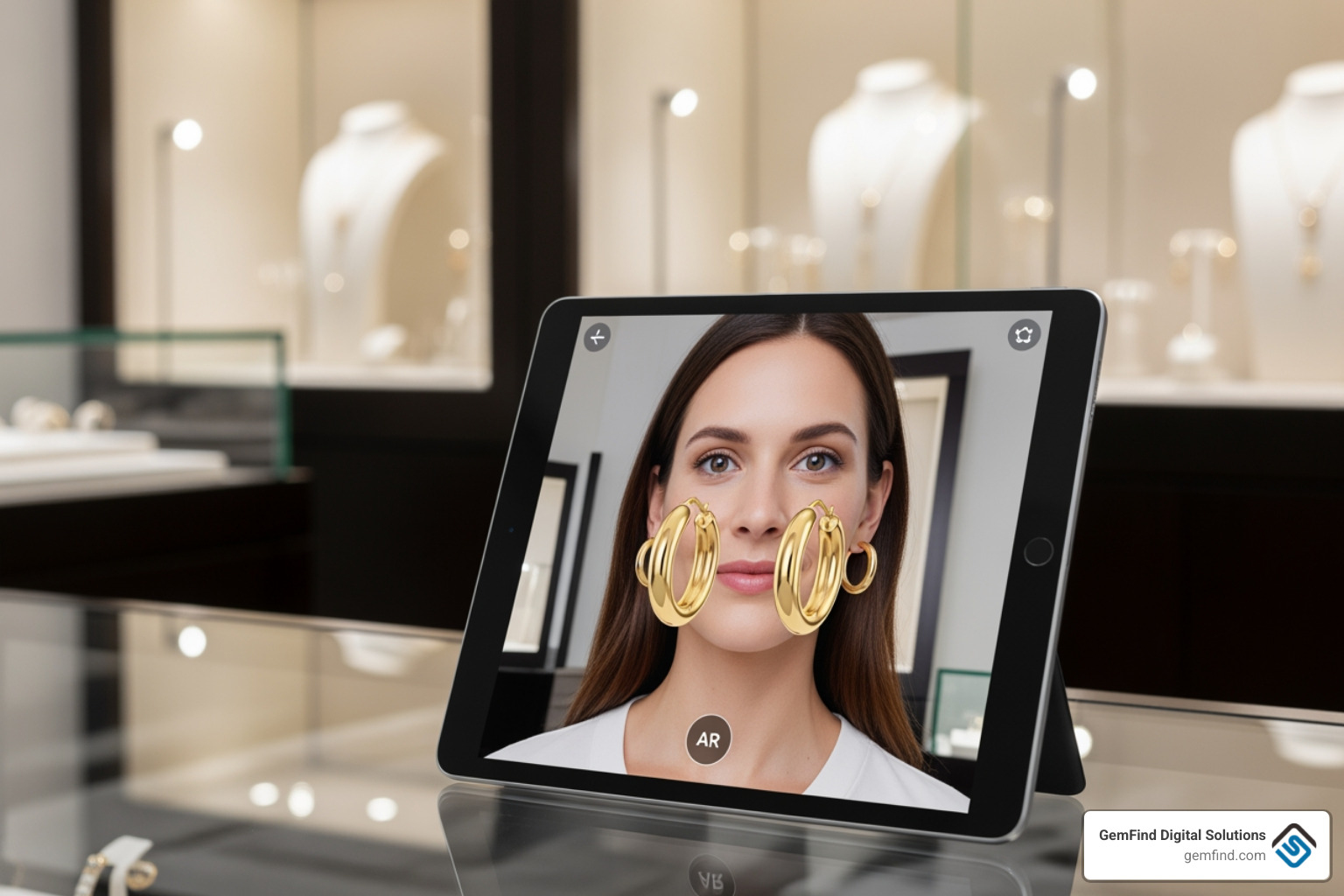
The "magic" of the shopify pos jewelry tryon experience lies in the technical integration. Modern apps use advanced AI to handle real-time tracking. This isn't just a static sticker placed over a photo; it’s a dynamic overlay.
- 2D vs. 3D Models: 2D try-on is excellent for flat items like some earrings or pendants and is generally more affordable. However, 3D models allow the jewelry to catch the light and move as the customer turns their head, providing a much higher level of realism.
- Facial and Neckline Tracking: For necklaces and earrings, the software must identify the earlobes and the curve of the neck. High-end apps use "smart tracking" to ensure a necklace rests naturally on the collarbone rather than floating awkwardly in mid-air.
Key Features of Leading Jewelry AR Apps
When choosing an app to power your shopify pos jewelry tryon experience, look for features that prioritize realism and ease of use. The best apps offer real-time face tracking and the ability for customers to capture photos of themselves wearing the jewelry.
| Feature | 2D Image Overlays | 3D Model Rendering |
|---|---|---|
| Visual Realism | Moderate (Static) | High (Dynamic lighting/shadows) |
| Movement | Limited | Follows body movement perfectly |
| Setup Speed | Very Fast (Upload images) | Slower (Requires 3D files) |
| Cost | Generally lower | Higher (e.g., ~$6 per 3D model) |
| Customer Impact | Good for basic visualization | Best for high-ticket luxury items |
As noted in our list of The Top Shopify Apps for Jewelry Stores, social sharing is another "must-have." If a customer can instantly text a photo of an engagement ring to their best friend or post it on Instagram, your store gets free word-of-mouth marketing.
Optimizing the Shopify POS Jewelry Tryon Experience
A clunky interface will kill your conversion rates. Optimization is key to making the shopify pos jewelry tryon feel like a premium service rather than a gimmick.
First, ensure mobile responsiveness. Most virtual try-ons happen on smartphones. Second, look for white-label branding options. You want the "Try On" button to match your brand's aesthetic perfectly. Our Jewelry Store Shopify Guide emphasizes that a seamless UI builds trust, which is the most valuable currency in the jewelry world. Finally, use conversion analytics to see which products have the highest "try-to-buy" ratio.
Step-by-Step Setup for AR Jewelry Try-On
Ready to get started? Follow these steps to bring AR to your Shopify store:
- Select and Install Your App: Choose an app like TryOnJewel or TryOnMe Jewels from the Shopify App Store.
-
Configure Your Theme: Most apps require a small snippet of code to be added to your
product.liquidormain-product.liquidfile. - Product Mapping: Inside the app dashboard, select which products should have the "Try On" feature enabled. You can usually do this for your entire catalog or specific collections.
- Upload Assets: For 2D try-on, upload clear, high-resolution images of the jewelry. For 3D, you may need to provide GLB or USDZ files (some developers offer 3D modeling services for a small fee).
- Test the Flow: Open your store on a mobile device and a POS tablet to ensure the camera launches correctly and the jewelry aligns with the user's features.
For a visual walkthrough, you can check out this Tutorial Video. To see how this fits into a broader app strategy, read our post on Boost Sales with These Must-Have Shopify Apps for Jewelers.
Benefits of AR Technology for Jewelry Merchants
Implementing shopify pos jewelry tryon technology isn't just about looking "high-tech"—it’s about the bottom line.
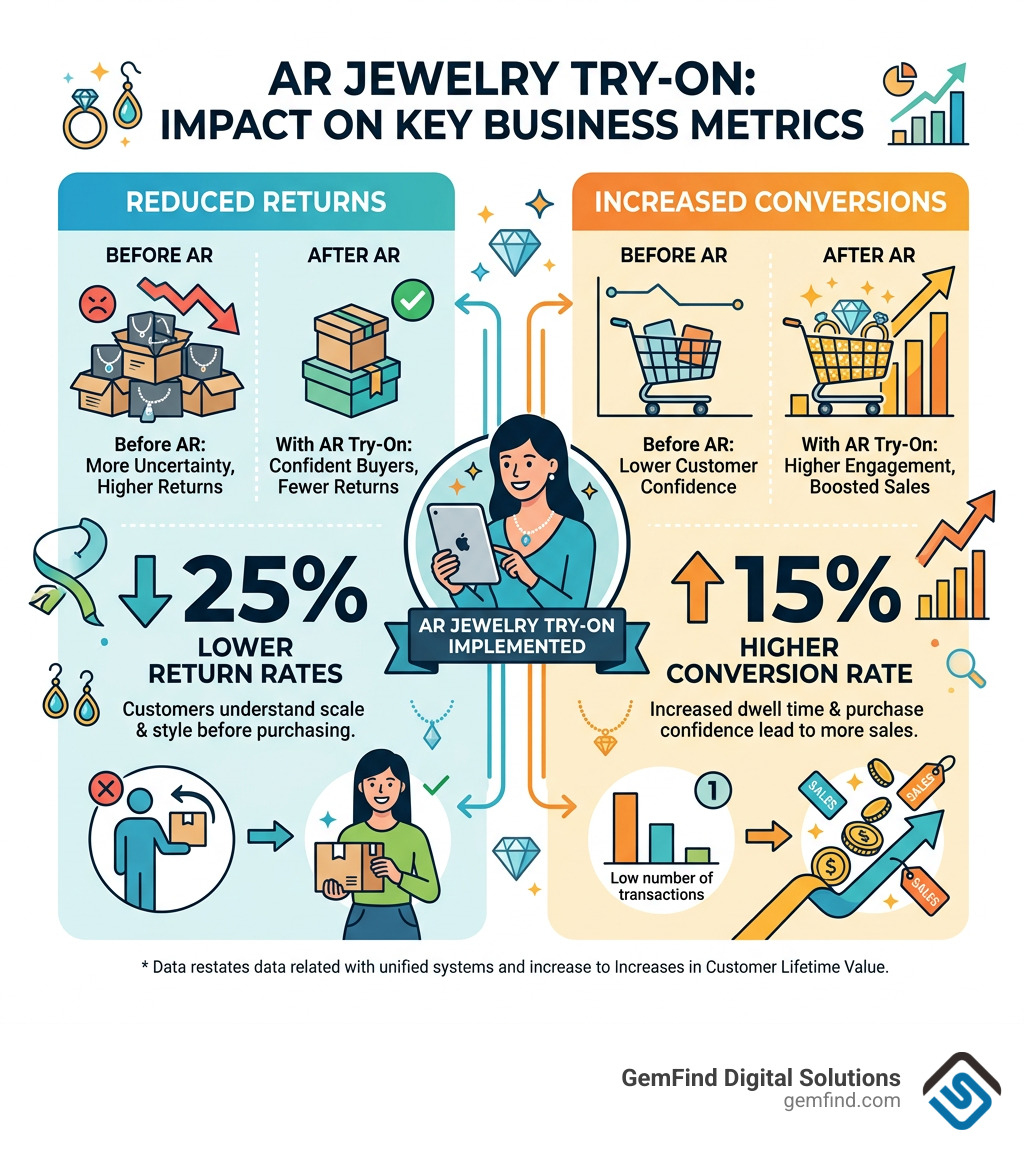
- Reduced Returns: One of the biggest reasons jewelry is returned is that it "looked different" in person. AR bridges that gap, allowing customers to see the scale and hang of a piece.
- Increased Conversion: When customers engage with an AR tool, they spend more time on your site. This increased dwell time often leads to higher conversion rates.
- Personalized Shopping: By using the data from try-ons, you can Thrive Online as a Jeweler with Shopify by sending targeted offers based on what customers actually tried on.
Statistics show that retailers using these unified systems see a 5% increase in LTV (Lifetime Value) because customers feel more confident in their purchases and return to the brand they trust.
Frequently Asked Questions about Virtual Jewelry Try-On
How does virtual try-on reduce jewelry return rates?
Virtual try-on reduces returns by providing an accurate sense of scale and style. Customers can see if a pair of earrings is too large for their face shape or if a necklace sits too high on their neckline, preventing "buyer's remorse" before the item is even shipped.
What are the technical requirements for 3D jewelry modeling?
To use 3D AR, you typically need GLB or USDZ files. Many modern apps provide "3D as a service," where they take your 2D photos and convert them into 3D models for a fee (often around $6 per item).
Can I use AR try-on features on a physical Shopify POS tablet?
Absolutely. By opening your online store's product page within the Shopify POS "tiles" or a web browser on the tablet, sales associates can let customers use the front-facing camera for an instant virtual try-on in the showroom.
Conclusion
The era of "guesswork" in jewelry e-commerce is over. By leveraging shopify pos jewelry tryon technology, you are providing a service that meets the modern customer's expectations for convenience and confidence. At GemFind Digital Solutions, we have over 25 years of industry-specific expertise, and we specialize in helping jewelers navigate these technical waters.
Whether you are looking to integrate your Edge POS with Shopify or launch a state-of-the-art AR experience, we are here to help. For a complete deep dive into the software options available, don't miss our Slugjewelry Virtual Tryon Software Complete Guide. Let's work together to make your jewelry store the most innovative destination in the industry.


